CODING & PHYSICAL COMPUTING

Small builds.
Big discoveries.

Explore practical projects, build in a simulator and learn by testing your ideas.

Practical projects. Creative ideas. Learn by building.
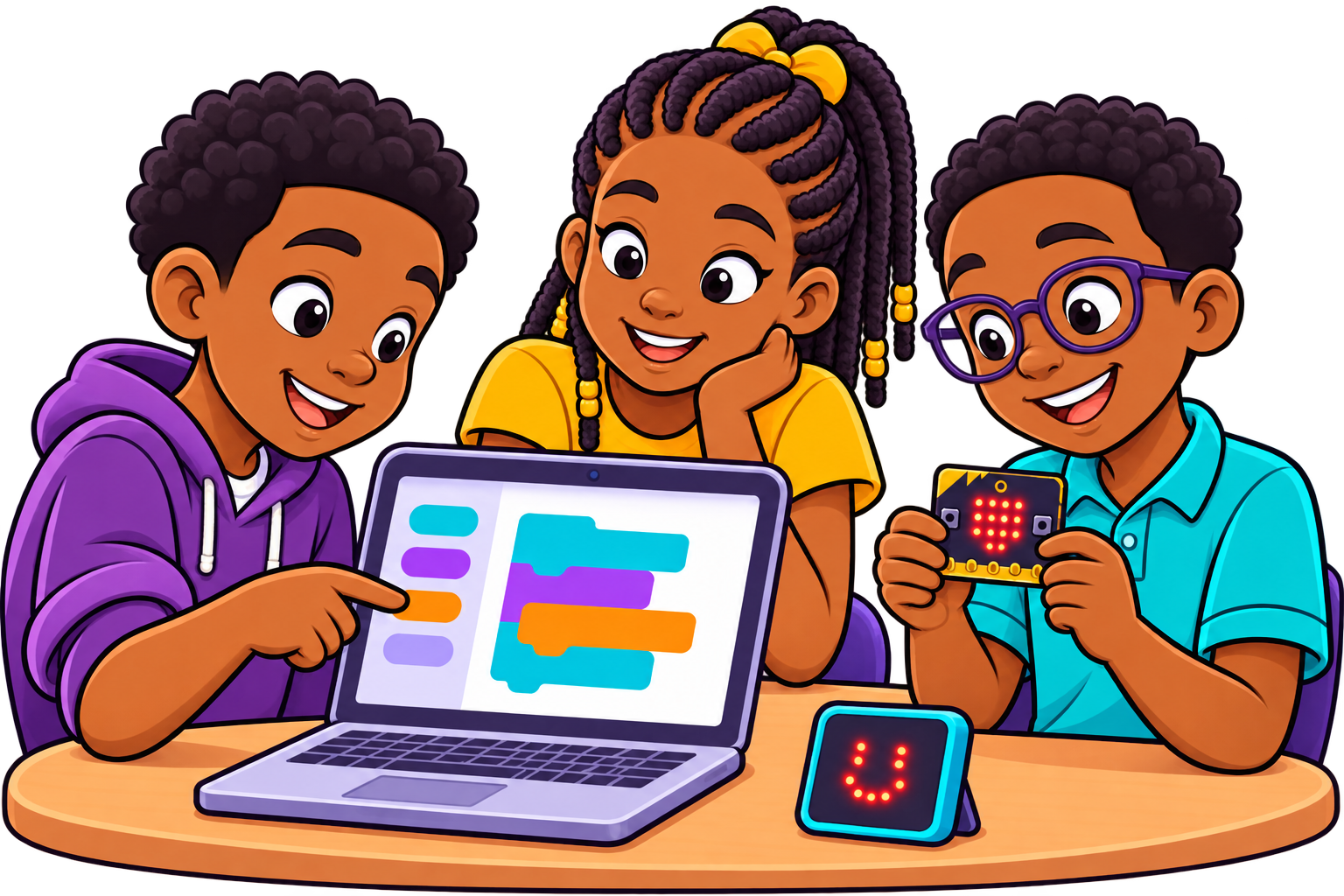
Children happily coding and testing a physical computing project
Free to explore
No sign-in needed
Simulation first
✔ Free to explore
✔ No sign-in needed
✔ Simulation first

Find projects for your class

Choose your school level to begin.

Primary (Grade 1 – Grade 6)

Coding blocks

Grade 1 (Primary 1)

Try simple coding projects and see your ideas in action.

Explore projects
Code symbol

Grade 2 (Primary 2)

Create fun projects that solve simple, everyday tasks.

Explore projects
Play simulator

Grade 3 (Primary 3)

Use code and simple parts (like an LED) to make things work.

Explore projects
Monitor screen

Grade 4 (Primary 4)

Build projects that sense, show and respond to changes.

Explore projects
Microcontroller CPU

Grade 5 (Primary 5)

Create interactive projects and control how they work.

Explore projects
Light sensor

Grade 6 (Primary 6)

Combine coding and electronic parts to build useful projects.

Explore projects

Junior Secondary (JSS1 – JSS3)

Laptop with code symbol

JSS1

Explore coding and simple electronic projects.

Explore projects
Creative idea

JSS2

Build projects that take input, make decisions and show output.

Explore projects
Microcontroller project

JSS3

Combine coding and different parts to create more useful projects.

Explore projects

Senior Secondary (SS1 – SS3)

Laptop with circuit

SS1

Use code and electronic parts to solve real-life problems.

Explore projects
Sensor display

SS2

Build and test practical projects using sensors and outputs.

Explore projects
Advanced embedded IoT

SS3

Design, build and improve more advanced projects.

Explore projects

Choose. Build. Test.

1
Laptop with project

Choose a project

Pick a project that matches your class and interest.
2
Coding blocks

Build in a simulator

Put the parts together and write your code online.
3
Test and improve display

Test and improve

Run your project, see the result and make it even better.

1 Choose a project
2 Build in a simulator
3 Test and improve

Tools you can explore

The guide tells you which editor and parts to use.

Each guide explains the tools you need.

Scratch Scratch
MakeCode MakeCode
Arduino Arduino
ESP32 & Sensors ESP32
Scratch MakeCode Arduino ESP32

Before your first build

Do I need a robotics kit?

No. Start with a supported online simulator. Physical builds are optional.

No. Start in a supported online simulator. Hardware is optional.

Can I use my phone?

Yes. You can read every project guide and concept explanation on your smartphone. When you are ready to code and run the simulator, a laptop, desktop, or tablet works best.

Do I need an account?

No sign-in or account is needed. All 24 flagship projects, simulators, and guides are 100% free and open to explore right away.

Your next idea starts here.

Explore projects